Runway Ships Free Plugin for Premiere and After Effects
Runway shipped free Plugins for Adobe Premiere Pro and After Effects on 8 September 2026 for macOS and Windows, putting generation, restyle, and timeline placement inside the apps
PromptCrates Editorial
Staff Writer
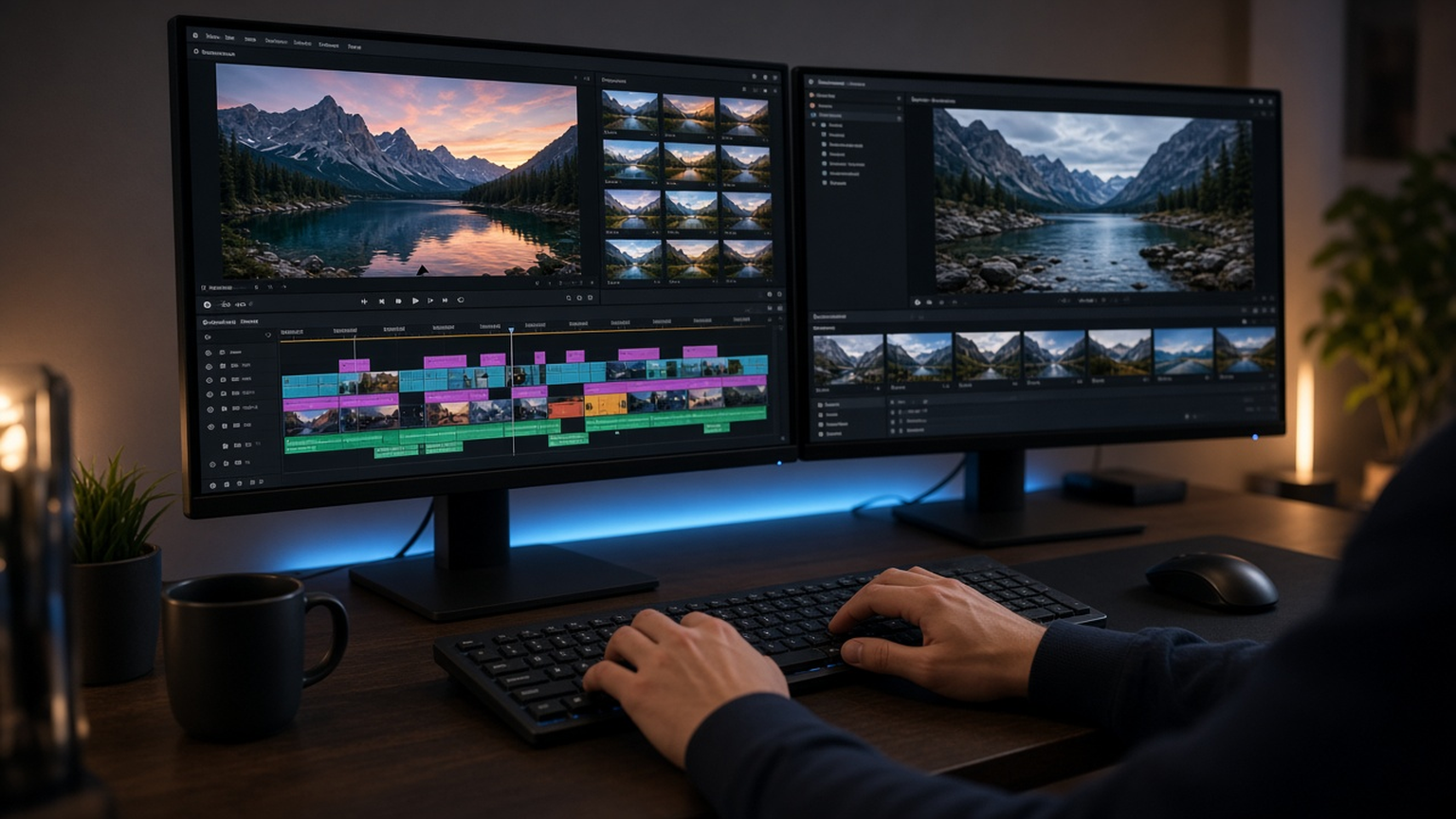
Runway shipped free Plugins for Adobe Premiere Pro and After Effects on 8 September 2026 for macOS and Windows, putting generation, restyle, and timeline placement inside the apps editors already live in. The panel can create images and video, restyle existing footage with Edit Studio and Aleph 2 while keeping clip duration, and drop results at the playhead, with HDR support, background removal, and upscaling on the menu. Paid Runway plans consume existing credits inside the plugin. The same day, Adobe detailed its own Generative Media Tool in Premiere—routing Firefly, Google Veo, Kling, Runway, and Luma—and put an AI Assistant for After Effects into public beta, while Premiere collected a 2026 Engineering Emmy.
Why an in-app Runway panel matters
Editors have long broken flow by exporting a frame, uploading to a browser, downloading a result, and re-importing. Runway’s plugin removes that loop: prompt from inside Premiere or After Effects, then place the output directly into the sequence or composition. Restyling with Aleph 2 on an existing clip at the same duration is especially practical for continuity—color mood or texture changes without rebuilding timing. HDR, background removal, and upscaling target finishing chores that usually force round-trips to other tools.
Free plugins lower the trial barrier, but generation still costs credits on paid plans, so studios need clear policies on who burns the pool. Freelancers on free tiers will test light restyles; finishing houses will watch whether timeline-native Runway beats browser Runway on iteration speed. Readers covering creative-tool convergence can pair this ship with our earlier note on Adobe Premiere generative media on the timeline and Adobe for Slack creative tools.
Runway’s own post stresses staying in the edit—generate, edit, upscale without leaving the timeline. That messaging is aimed at professionals who already standardized on Adobe’s container formats, color management, and team projects. Plugin quality will be judged on color fidelity, audio sync when restyling video, and whether generated B-roll matches project frame rates without silent resampling bugs.
Adobe’s same-day AI push and the Emmy backdrop
Adobe’s 8 September blog framed a broader IBC-season push: Generative Media Tool inside Premiere can call multiple model providers—including Runway—so Adobe is both partner and platform. After Effects AI Assistant entering public beta suggests Adobe wants chat-like help for complex comps, not only generative fill. Premiere’s 2026 Engineering Emmy for outstanding achievement adds ceremonial weight: Adobe can claim decades of TV craft while bolting on multi-vendor generative pipelines.
Multi-model routing inside Premiere changes vendor politics. Editors may prefer Veo for one shot, Kling for another, and Runway for restyle, all without leaving the timeline. Runway’s dedicated plugin still offers a deeper Runway-native panel—Edit Studio and Aleph 2 workflows that a generic provider picker might not expose fully. Studios should decide whether to standardize on Adobe’s aggregator UI, Runway’s plugin, or both with different credit budgets.
Intellectual property and disclosure rules remain unsettled for generative B-roll in commercial work. Brands increasingly ask which model produced a shot and whether training data licenses cover the campaign territory. A free plugin that accelerates experimentation also accelerates accidental use of unlicensed styles on client timelines. Production counsel will want model logs attached to project archives.
What post houses should pilot first
Practical pilots include generating missing B-roll covers for jump cuts, restyling interview backgrounds, removing backgrounds for graphics packages, and upscaling archival clips before color. Measure minutes saved against credit spend and against rejection rates from creative directors who dislike “AI texture.” Compare Runway plugin outputs with the same prompts through Adobe’s Generative Media Tool to see whether the native panel earns its separate install.
For now the documented facts are Runway’s 8 September free Premiere and After Effects plugins on Mac and Windows, playhead placement plus Aleph 2 same-duration restyle, HDR background-removal and upscaling features, credits on paid plans, Adobe’s same-day multi-model Generative Media Tool and After Effects AI Assistant beta, and Premiere’s 2026 Engineering Emmy—together a clear signal that generative video is moving into the NLE, not living beside it.
Education and YouTube teams may feel the impact first because they ship high volumes of short packages where missing B-roll kills deadlines. A free plugin that restyles or generates cover shots at the playhead can turn a blocked edit into a finished cut the same afternoon. Feature-film finishing will move slower, demanding color-managed pipelines and stricter model disclosure before generative frames land in a DCP.
Version control is another quiet requirement. Generative outputs should be cached as project media with prompt metadata, not overwritten silently when a credit-funded regenerate looks slightly better. Without that discipline, collaborative Premiere projects become irreproducible. Runway and Adobe both benefit if they expose exportable generation logs that survive handoff between editors.