Runway Ships DaVinci Resolve Plugin for In-Timeline AI
Runway shipped a free plugin for Blackmagic Design’s DaVinci Resolve Studio on 23 September 2026 that lets editors generate images and video, restyle the clip under the playhead,
PromptCrates Editorial
Staff Writer
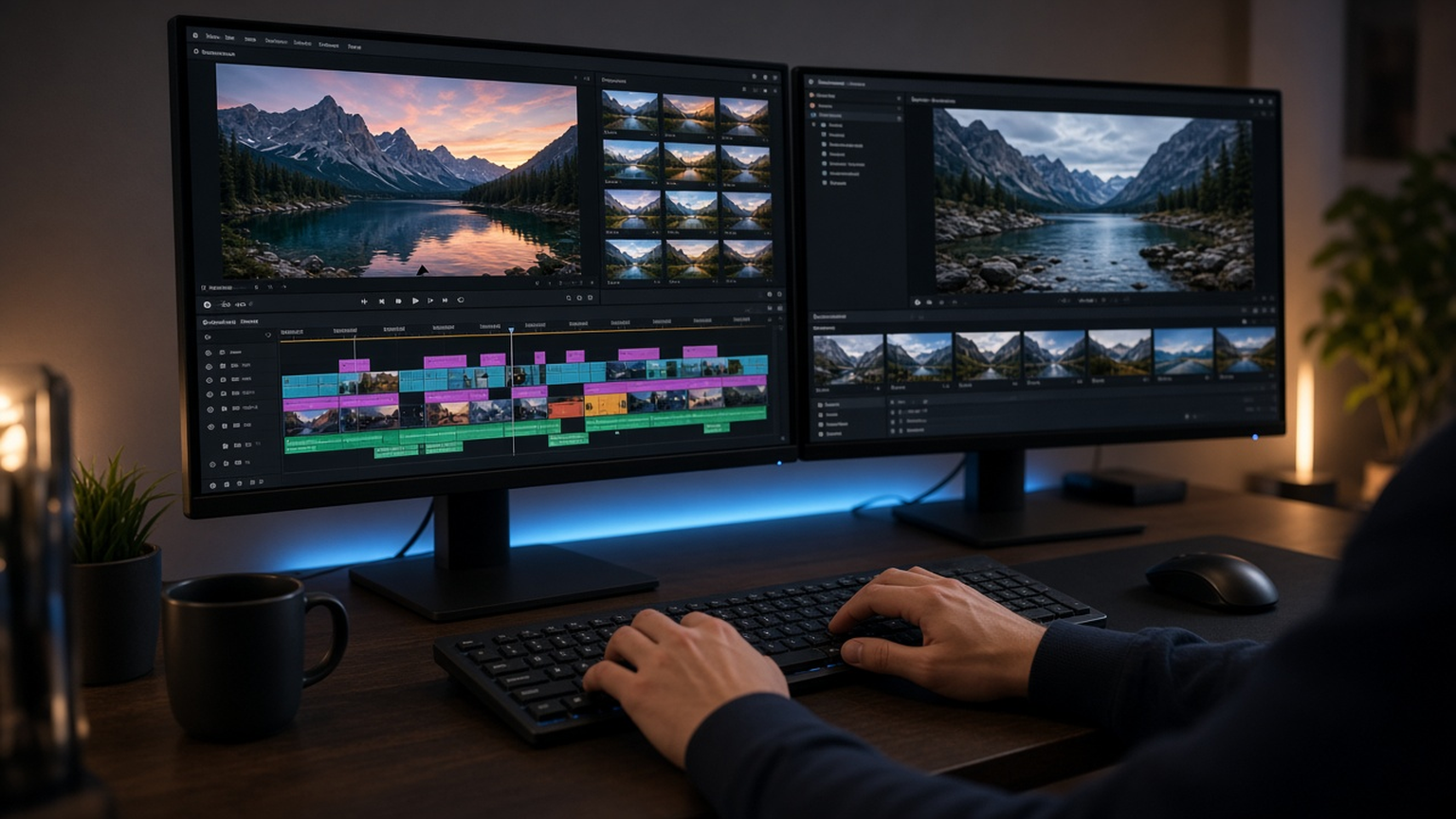
Runway shipped a free plugin for Blackmagic Design’s DaVinci Resolve Studio on 23 September 2026 that lets editors generate images and video, restyle the clip under the playhead, and drop results into the Media Pool and timeline without leaving the app. The release targets the export-to-browser-to-download-to-reimport loop that previously broke edit flow whenever a generative pass was needed mid-timeline. Generation runs on all paid Runway plans using existing credits, and the plugin requires DaVinci Resolve Studio 19 or later on macOS or Windows.
What editors can do without leaving Resolve
The plugin’s core promise is continuity. Editors prompt from inside Resolve, watch generations finish in a feed, and click to import so the asset lands in the bin and on the timeline ready to trim. That sounds incremental until you count the context switches a colorist or finishing editor absorbs across a day of AI-assisted polish. Keeping Runway models inside Studio collapses those hops into a panel action rather than a browser ritual.
Edit Studio features work on footage already in the cut, not only on net-new generations. Park the playhead on a shot or set in and out points; the panel exports that range. Editors can restyle anchor frames or set up to five keyframes for finer control. Aleph 2.0 re-renders the clip to match at the same duration as the source, then the panel supports before-and-after comparison before importing the result above the original. Same-duration restyles matter in finishing because they preserve timing relationships that break when a generative tool returns a different length and forces re-edits downstream.
Account plumbing is built for production honesty. Sign-in surfaces workspaces, credit balance, and the cost of each generation before commit, and results also appear in the Runway library. That dual visibility helps teams that bill credits centrally while still wanting Resolve-native assembly. Free download does not mean free generation: paid plan credits still meter the expensive steps, which keeps the plugin from becoming an unbounded studio cost center overnight.
How this differs from Runway’s Adobe plugins
PromptCrates already covered Runway’s earlier Adobe Premiere and After Effects integrations in Runway Adobe Premiere After Effects plugin and Runway Premiere After Effects plugins. The Resolve story is not a rehash of those launches. Blackmagic’s Studio users often live in a different finishing culture—node-based color, Fusion comps, Fairlight audio—and many facilities standardize on Resolve even when editorial started elsewhere. A first-party Runway panel inside that world is a distribution win for Runway and a workflow win for houses that refused to bounce every generative experiment through Premiere.
The competitive context also includes Adobe’s own generative timeline work and open creative stacks. Readers comparing NLE AI surfaces can look at Adobe Premiere generative media timeline coverage alongside music-generation news such as Yue2 open-source AI music generation to see how fast “stay in the host app” became table stakes across creative media. Runway’s Resolve plugin is one more data point that browser-only generative video is losing to in-timeline embeds.
Facilities that already standardized on Resolve for finishing finally get a first-party path that matches how they already version media: generate or restyle, park the result above the plate, and keep the original for client compare without bouncing through a second NLE. That matters for broadcast and streaming finishing rooms where even a ten-minute browser detour can break concentration during late-night delivery.
Pricing availability and production caveats
Availability is straightforward on paper: free plugin download for macOS and Windows; Resolve Studio 19+ required; generation on all paid Runway plans with existing credits. Studios should still plan for credit forecasting, review of Aleph 2.0 restyle fidelity on brand-critical footage, and pipeline rules for when AI layers sit above originals versus replace them. Because imports can land above the source clip, editorial discipline—naming, versioning, and client approval—matters as much as the model quality.
For freelancers, the unlock is speed: restyle a hero shot, compare, and keep cutting without leaving the grade. For facilities, the unlock is standardization: one Runway account policy visible inside Resolve, costs shown before commit, library sync for asset governance. Neither group escapes the need for human review of generative outputs, especially when five-keyframe restyles rewrite look development that color teams previously owned frame by frame.
Documented facts stay tied to Runway’s 23 September 2026 company post. The plugin generates images and video, restyles the playhead clip, and imports to Media Pool and timeline in-app; Edit Studio supports playhead or in/out selection, anchor-frame or up-to-five-keyframe restyles, Aleph 2.0 same-duration re-renders, before/after compare, and import above the original; sign-in shows workspaces, balance, and pre-commit cost; results also live in the Runway library; download is free on macOS/Windows; Resolve Studio 19+ is required; generation uses paid-plan credits.
Primary source: Runway’s DaVinci Resolve plugin announcement.